

Publish Classified Models
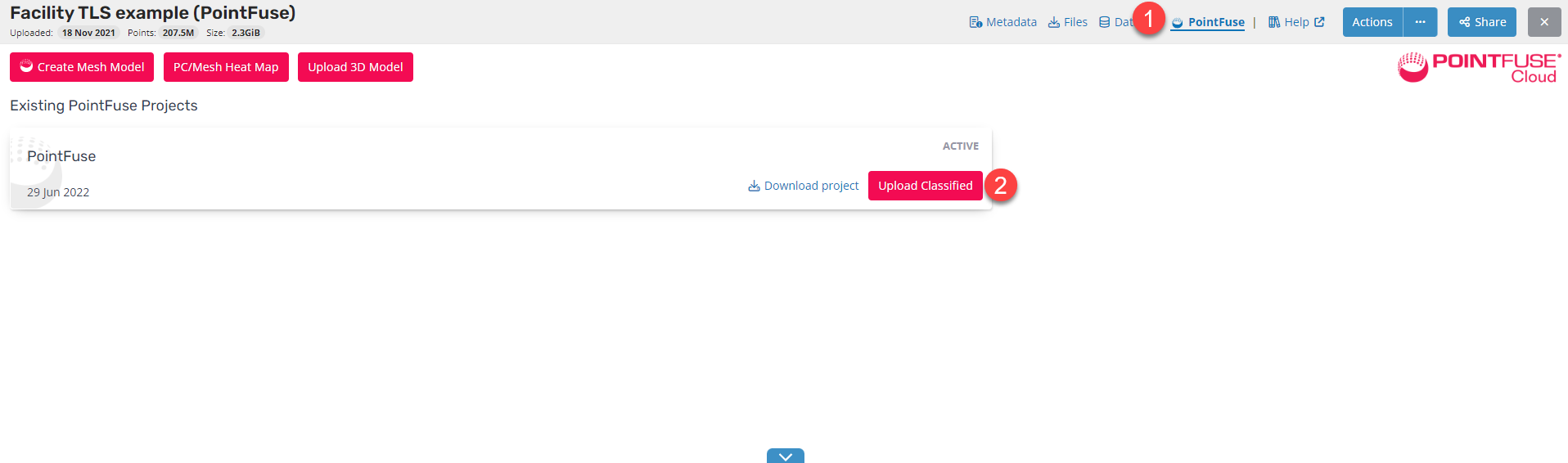
- Open the PointFuse Cloud Manager.
- Select the Upload Classified button.
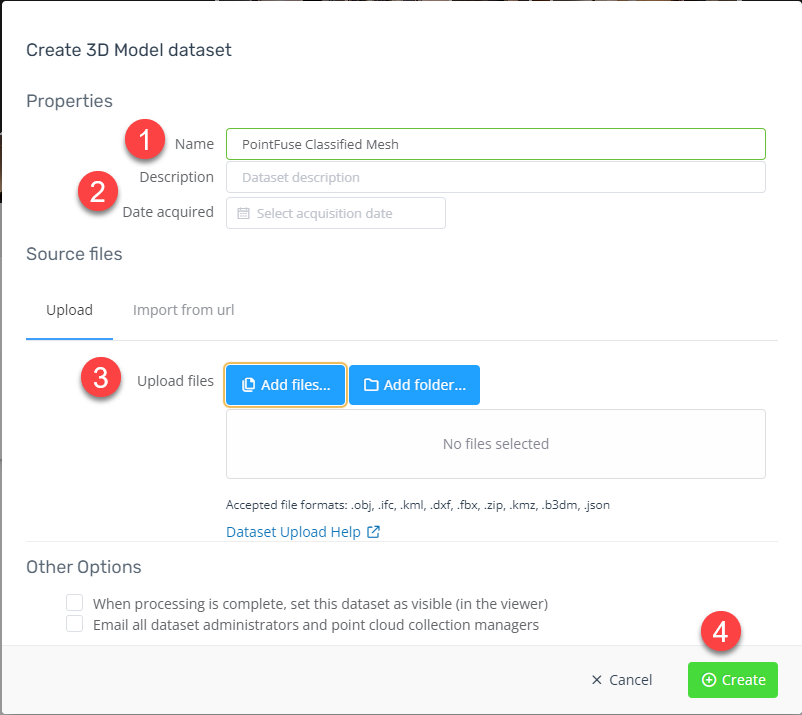
- From the Create 3D Model dataset window:
- Update the name (optional)
- Add a Description and Date acquired (optional)
- Add Source files - see accepted file format.
- Select Create.
- At the completion of Upload and build of the model in the 3D Viewer the user will receive a confirmation email.