...powered by 
- Support
- PointFuse Cloud Manager
- Create Mesh Model
Create Mesh Model
- Load the point cloud project.
- If a mesh is to be generated from a subset of the point cloud use the 'Rectangle Clip' tool first.
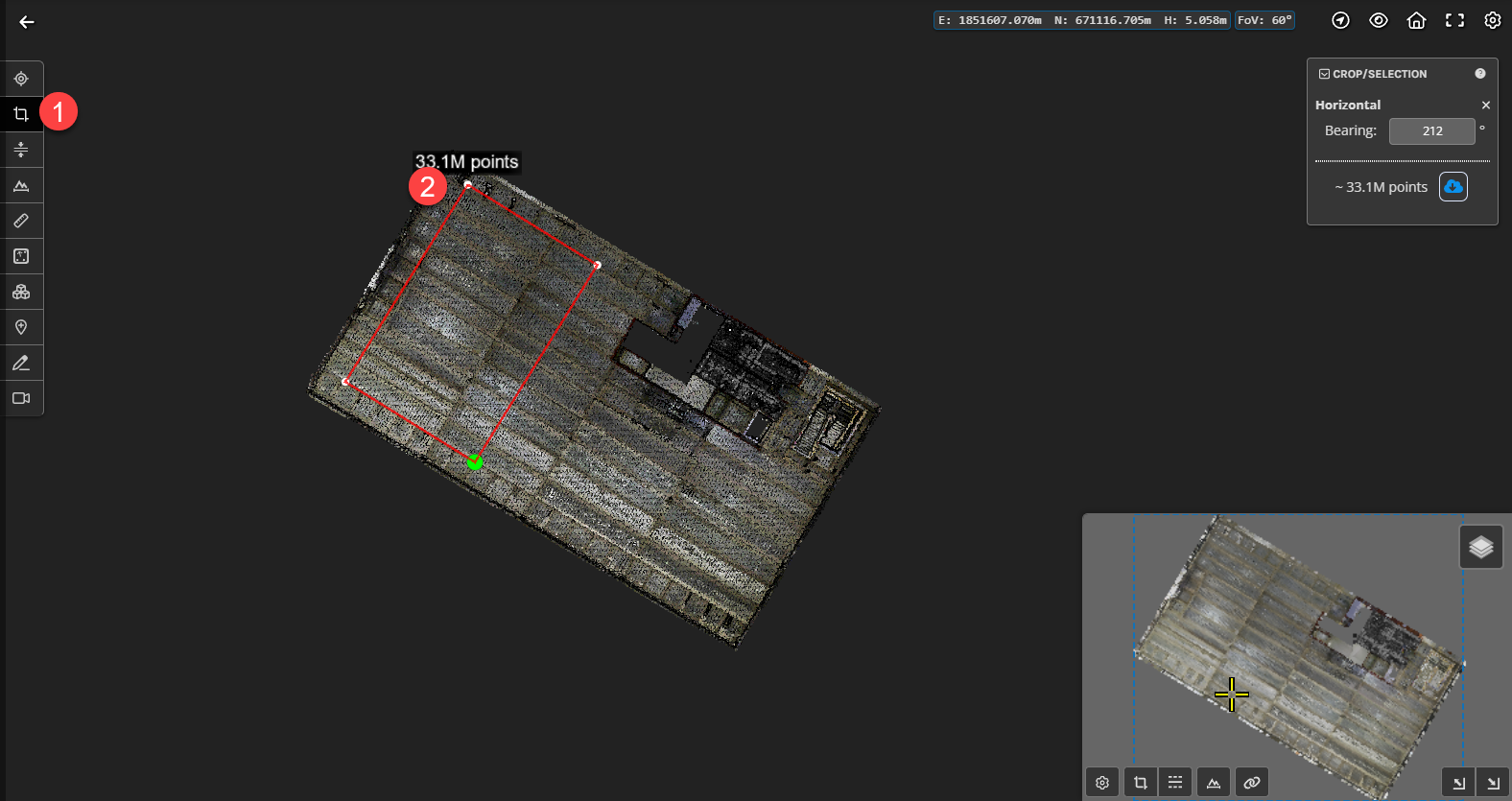
- From the PointFuse Cloud menu select the "Create Mesh Model" option.

- In the settings window enter:
- An appropriate name for the PointFuse mesh project being created.
- Description (if required).
- Profile - select the profile that aligns with the point cloud data the mesh is being generated from.
- Select Create to trigger the mesh creation.
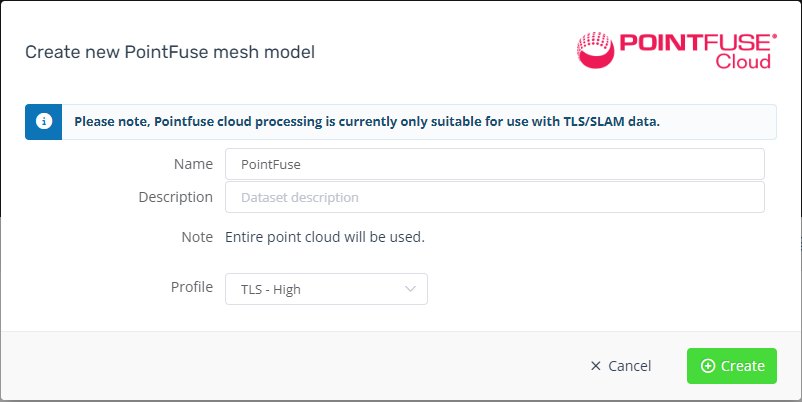
- This will trigger a processing job to create a mesh of the point cloud into a new PointFuse project.
- At the completion of PointFuse project processing the user will receive an email notification to advise the project is active.